Point at your Mac.
FunOura turns a spare Oura Ring into a cursor, a clicker and a slide remote. No camera and no cloud, just the ring on your finger.

Free and open source, for macOS 14 or newer.
It all lives in your menu bar.
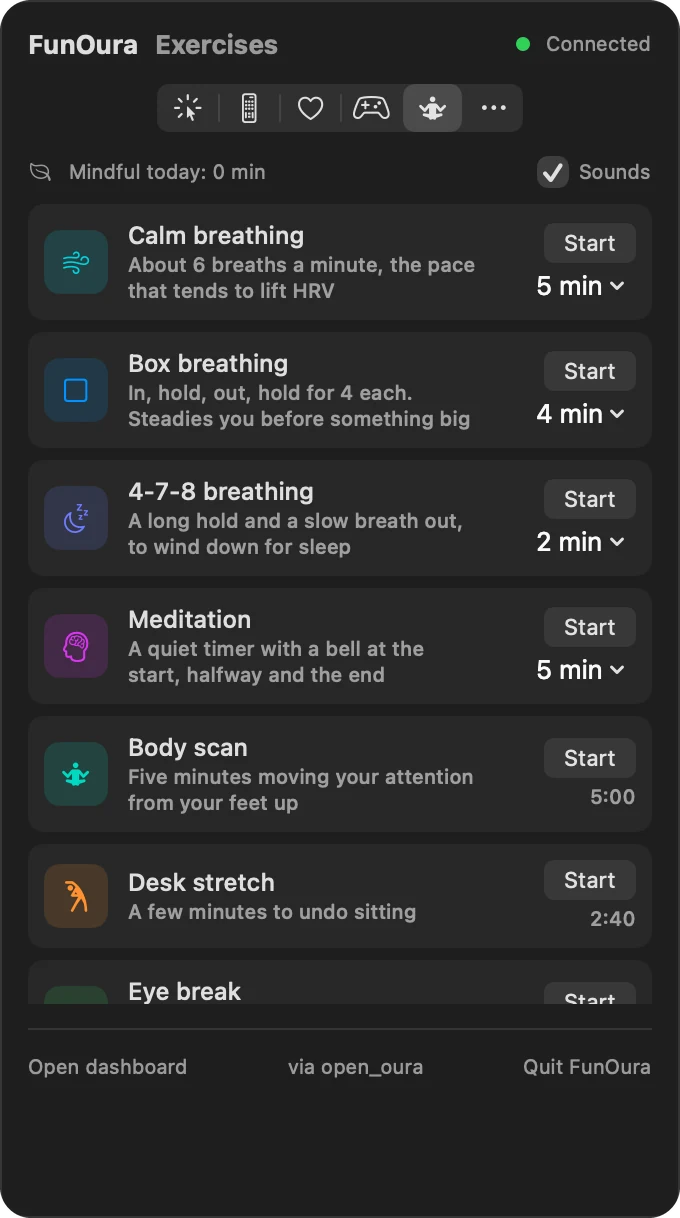
One click on the ring icon opens FunOura. Health and the exercises work without the internet, and nothing leaves your Mac.
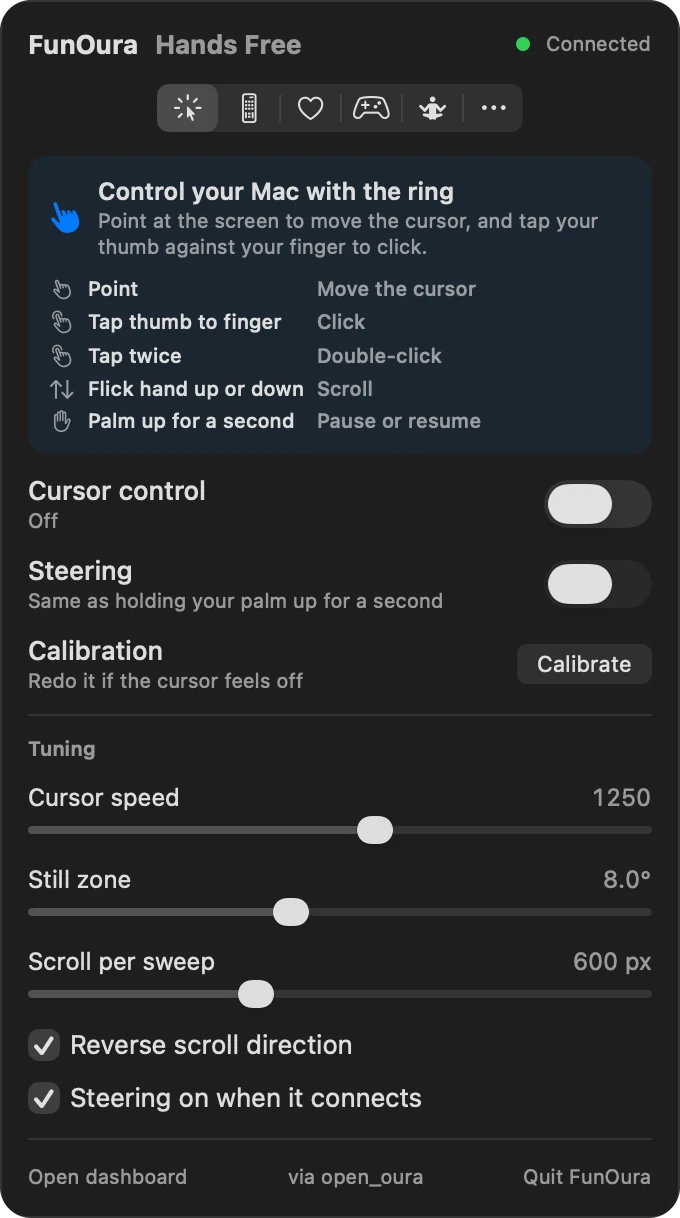
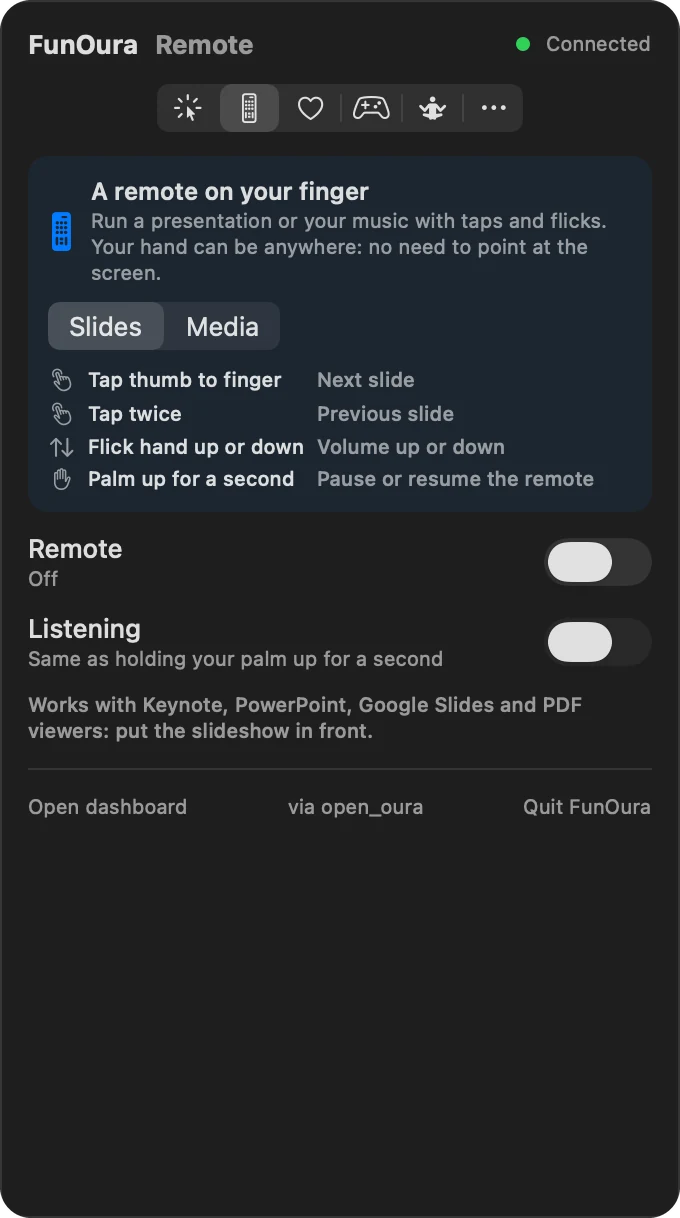
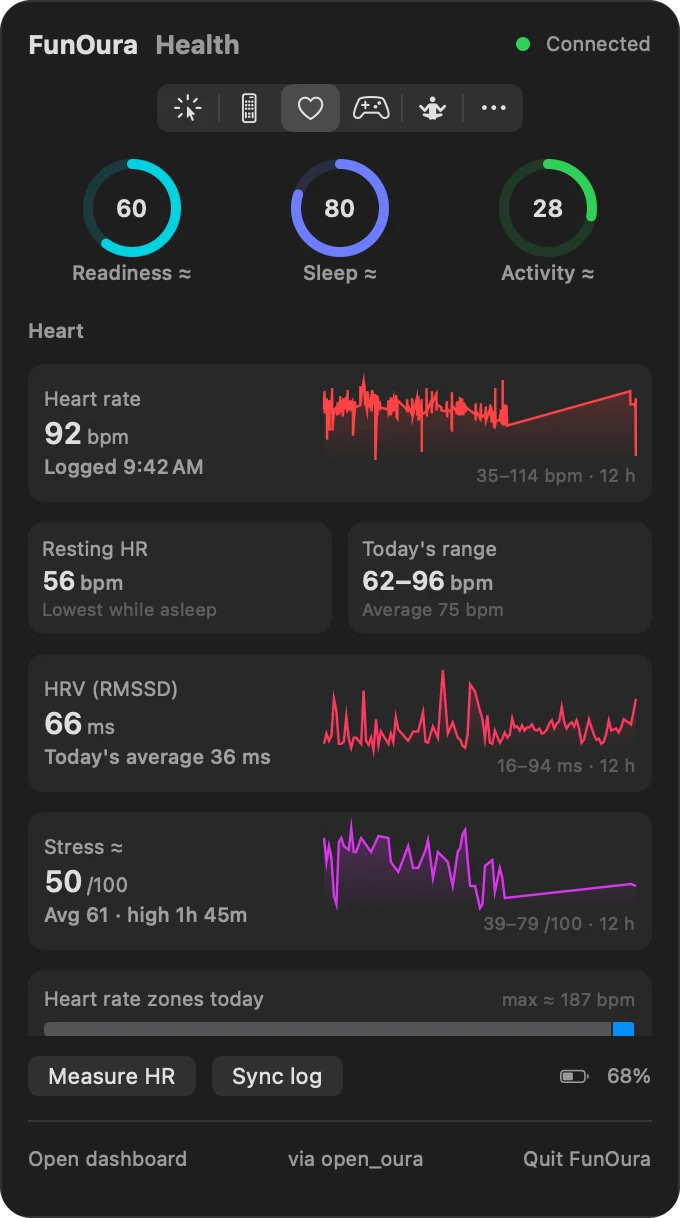
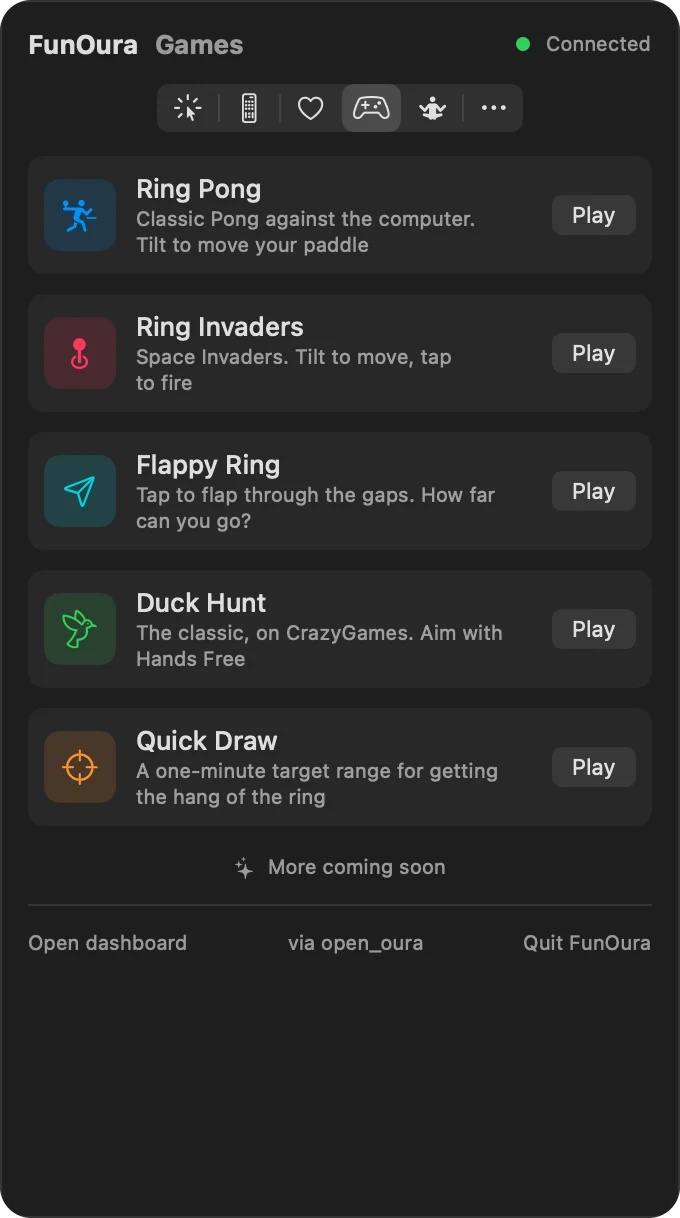
Up and running in four steps.
FunOura is free and open source. You build it on your own Mac from GitHub, and the first build takes a few minutes.
- macOS 14 Sonoma or newer, on Apple silicon or Intel
- A spare Oura Ring and its charging dock (tested on Ring 4)
-
Install the tools
Apple’s Command Line Tools bring Swift, git and Python. Rust builds open_oura, the program that talks to the ring. Skip whatever you already have.
Swift, git and Pythonxcode-select --installRustcurl --proto '=https' --tlsv1.2 -sSf https://sh.rustup.rs | sh -
Get FunOura and build it
setup.shchecks your tools, downloads open_oura, applies FunOura’s small patch and builds the app. It’s safe to run again.git clone https://github.com/akashxn/FunOura.gitcd FunOura./setup.sh -
Pair your ring
Pairing gives the ring a new key, so it stops working with the Oura app and your Oura account until you reset it and set it up there again. Use a spare ring, not the one you wear every day.
Reset it on its charging dock first. Take the ring off the dock, put it back and wait two seconds, then flip the dock, ring and all:
- Upside downuntil blue
- Uprightuntil red
- Upside downuntil magenta
- Uprightuntil yellow
Yellow means the reset has started. A few minutes later the light blinks blue, and the ring is ready to pair.
./pair.shmacOS asks whether your terminal app may use Bluetooth: allow it. If pairing stops with “Abort trap: 6”, see Troubleshooting.
-
Open FunOura
open funoura/FunOura.appClick the ring in your menu bar. Allow Bluetooth when macOS asks, and turn on FunOura in System Settings › Privacy & Security › Accessibility. Then open Hands Free and click Calibrate: five quick poses fit the cursor to your hand.